
Formation depth
Keep the player order attached to the position it belongs to, with your team’s labels and alignment.
FootballArc
Assign roster players to positions, arrange the depth order, and save the personnel groups you use together. Review the names beside their positions on the field or prepare a printed reference. Depth charts and personnel packages are included with Pro and Team.
In FootballArc: Personnel → Depth Charts / Personnel Packages
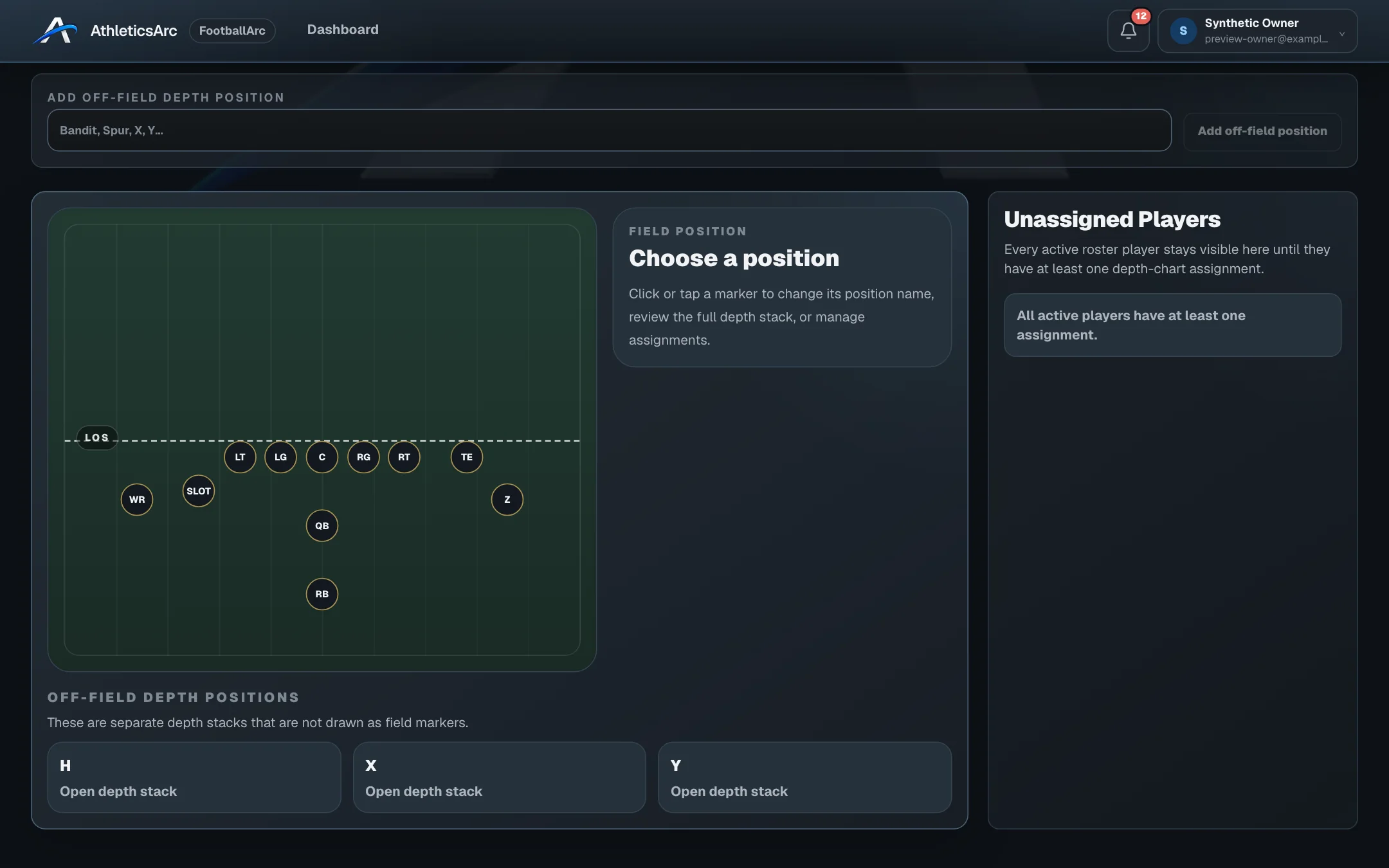
Select a position in the formation, assign players, and arrange them as starters and backups. Field and list views show the same assignments, so you can review the formation or focus on the player order.
Name a group and assign a roster player to each position. Keep packages for the situations you coach, review any open positions, and print the assignments for your staff.
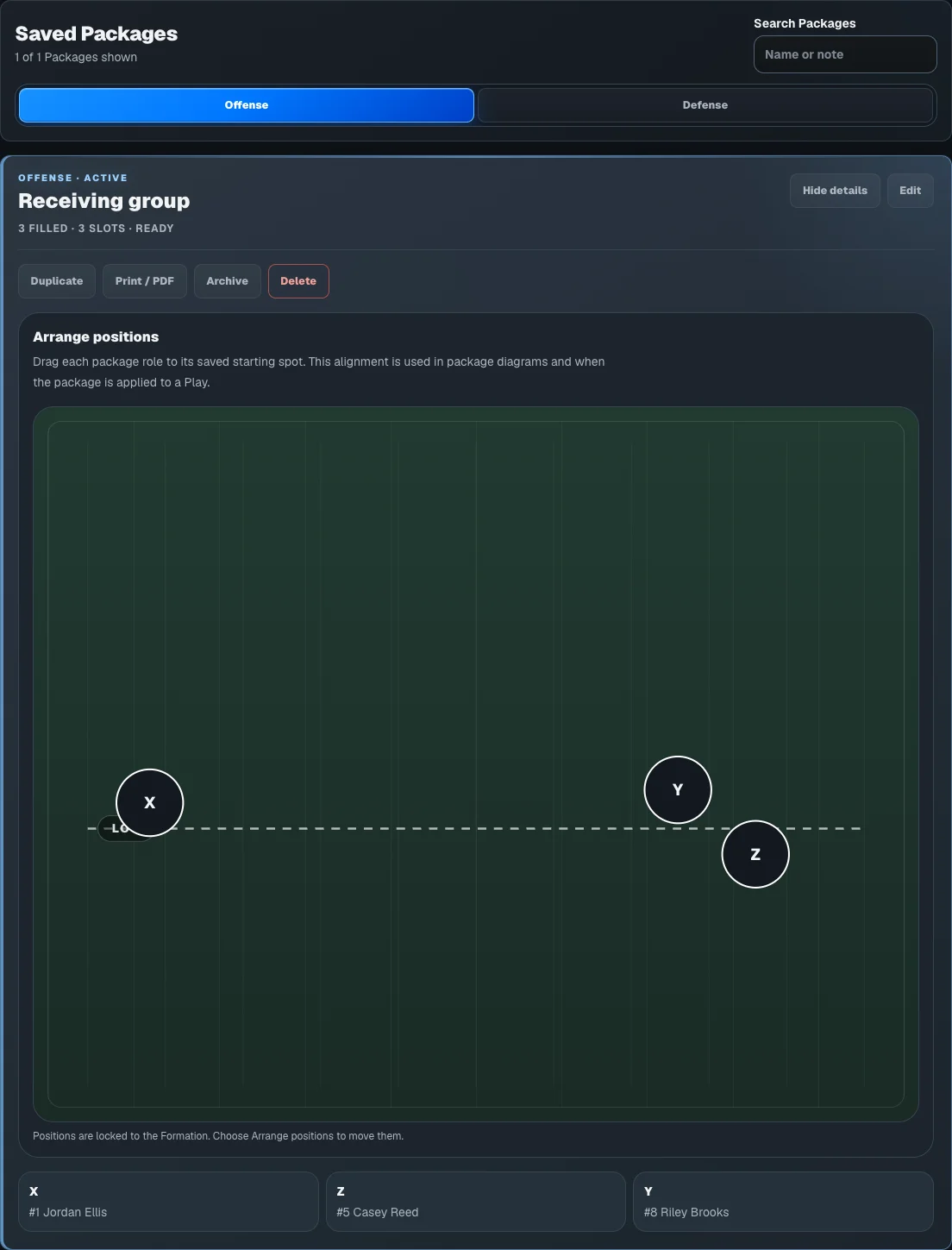
Keep the player order attached to the position it belongs to, with your team’s labels and alignment.
Return to a named package to review or change its player assignments before using it in a formation or play.
Print populated charts and packages, or prepare a blank depth worksheet to fill in by hand.
The seven-day trial includes play design, playbooks, and roster work. Printing and advanced team tools require an eligible paid plan. Your team also controls access to its tools. Images show sample coaching and family data.
Open a sample play, change the assignments, and use playback. The public demo is free to explore and needs no account.