
Staff discussion
Posts and comments remain within the team’s authorized coaching staff space.
FootballArc
Post a play, explain what you want the staff to review, and discuss the assignments in the same conversation. Coaches Room is a staff space included with FootballArc Team.
In FootballArc: Coaches Room
Share the play you want to install and add the details your assistants should check. Staff can review that play and discuss the alignment, assignments, or teaching points alongside it.
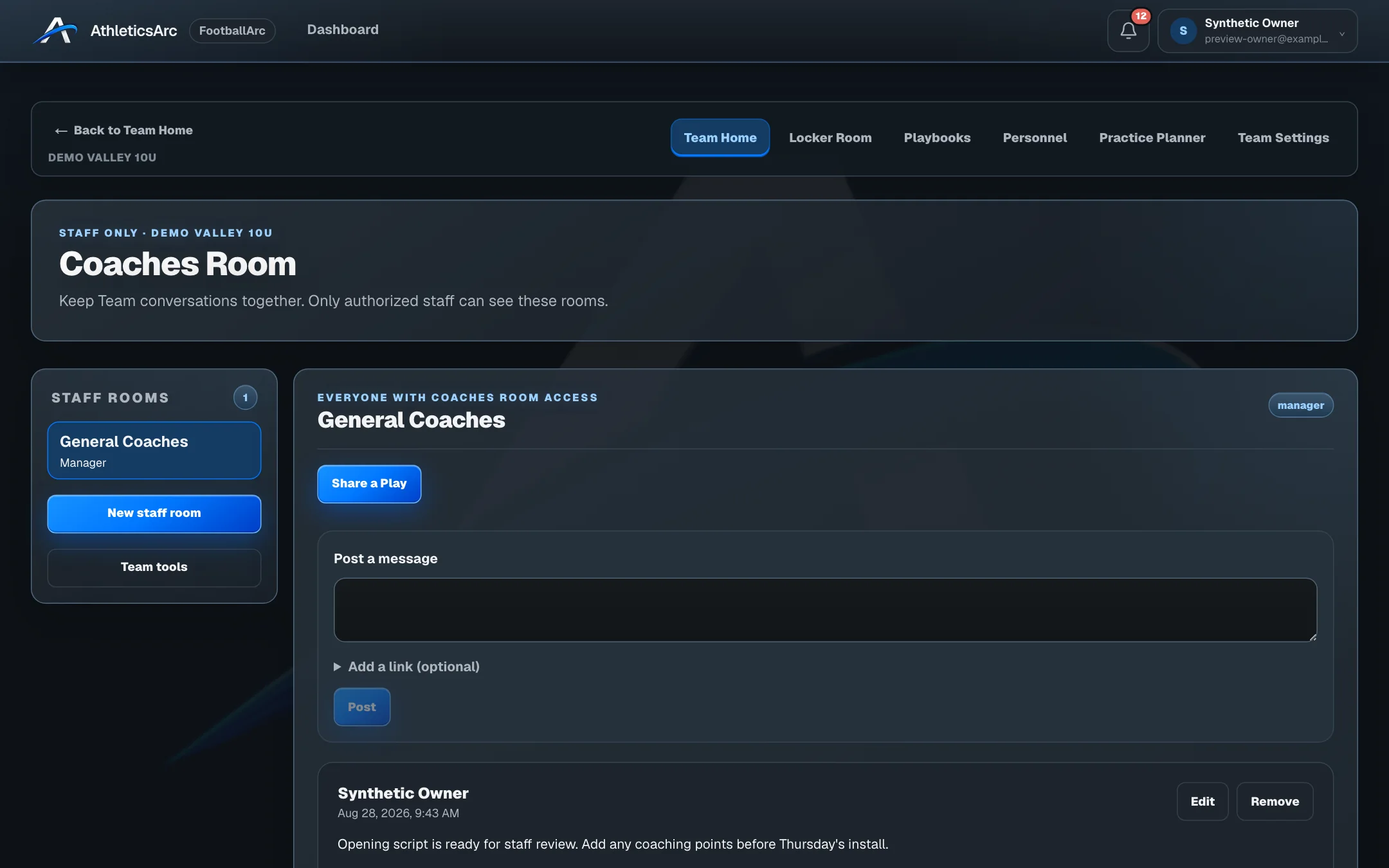
A shared play keeps the version you published. Your staff can review that version while you continue working on the source in your playbook; later edits do not silently replace what they were discussing.
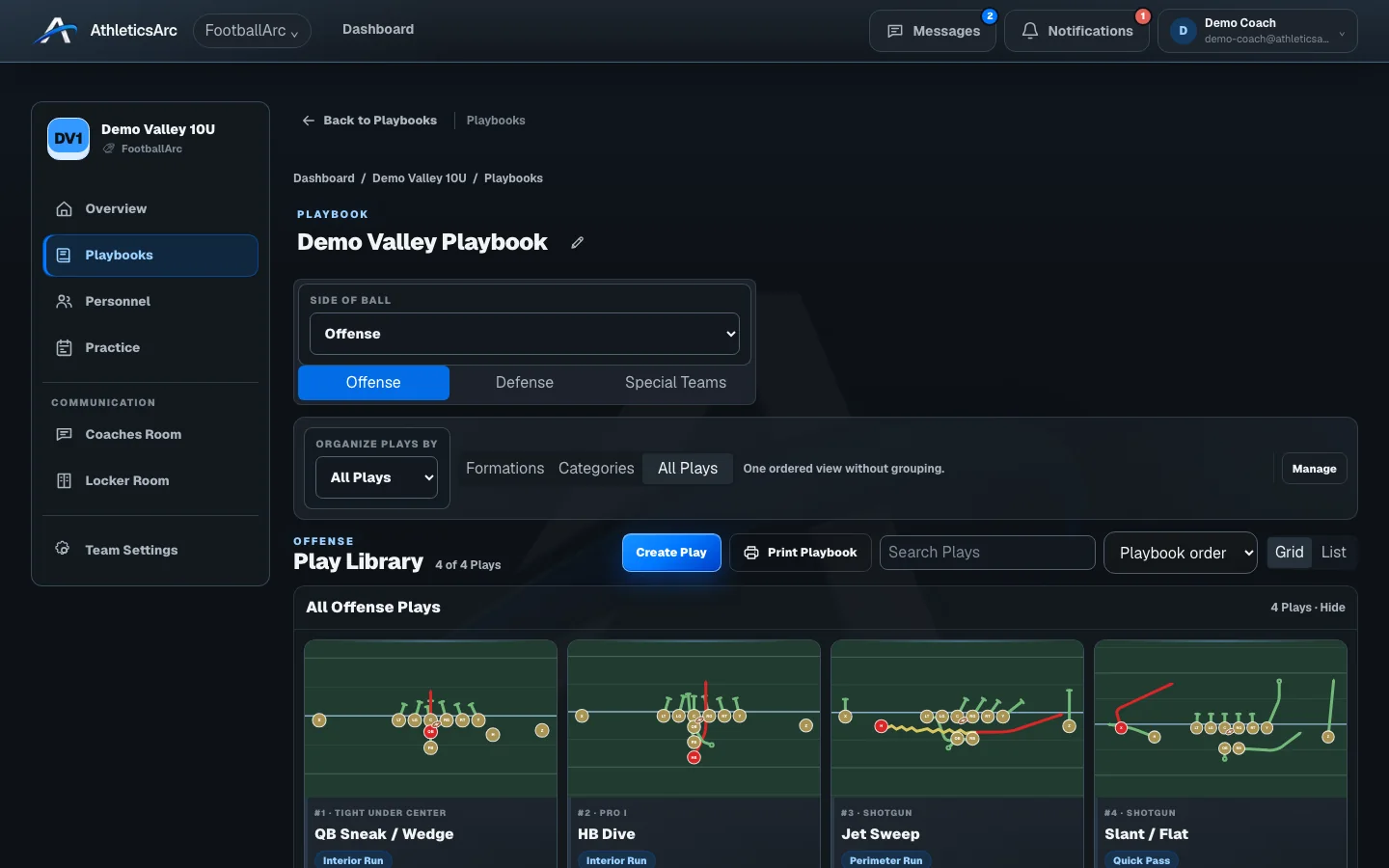
Posts and comments remain within the team’s authorized coaching staff space.
Give assistants a particular version of the play to review, with its assignments and playback.
Use Locker Room to publish the information families need. A staff discussion does not become a family update automatically.
The seven-day trial includes play design, playbooks, and roster work. Printing and advanced team tools require an eligible paid plan. Your team also controls access to its tools. Images show sample coaching and family data.
Open a sample play, change the assignments, and use playback. The public demo is free to explore and needs no account.