
Adult team conversations
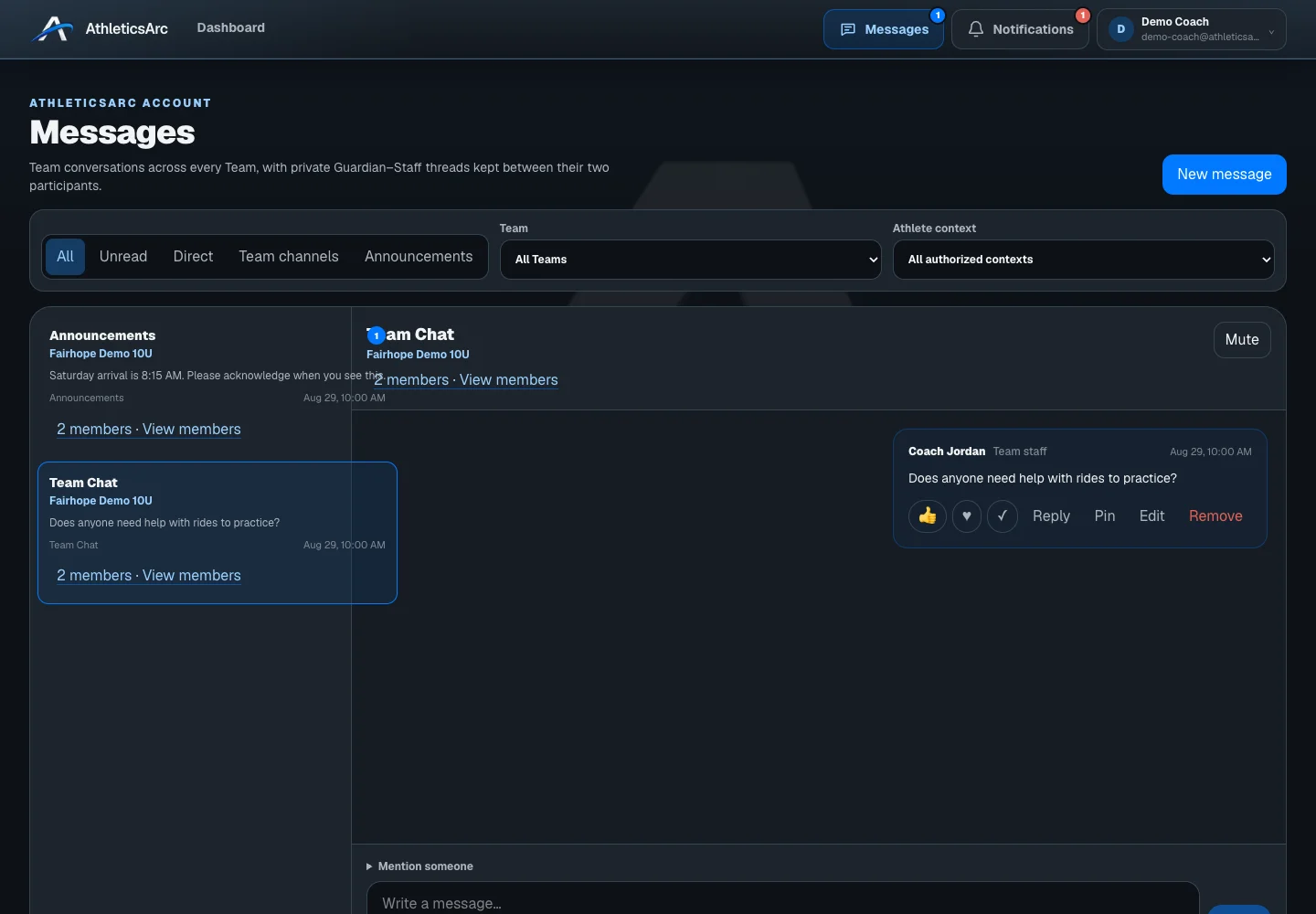
Read announcements and participate in the conversations available to your coaching or guardian role.
FootballArc
Use your AthleticsArc account for the coaching and family roles you hold. Messages contains your authorized adult team conversations. Family Home shows the updates, events, resources, and equipment shared with your connected athletes.
In FootballArc: Messages · Family Home
Open a conversation, filter for unread messages, or quote a message in your reply. Your draft stays in place when you switch conversations. Available announcements and channels depend on the team’s plan and your access.
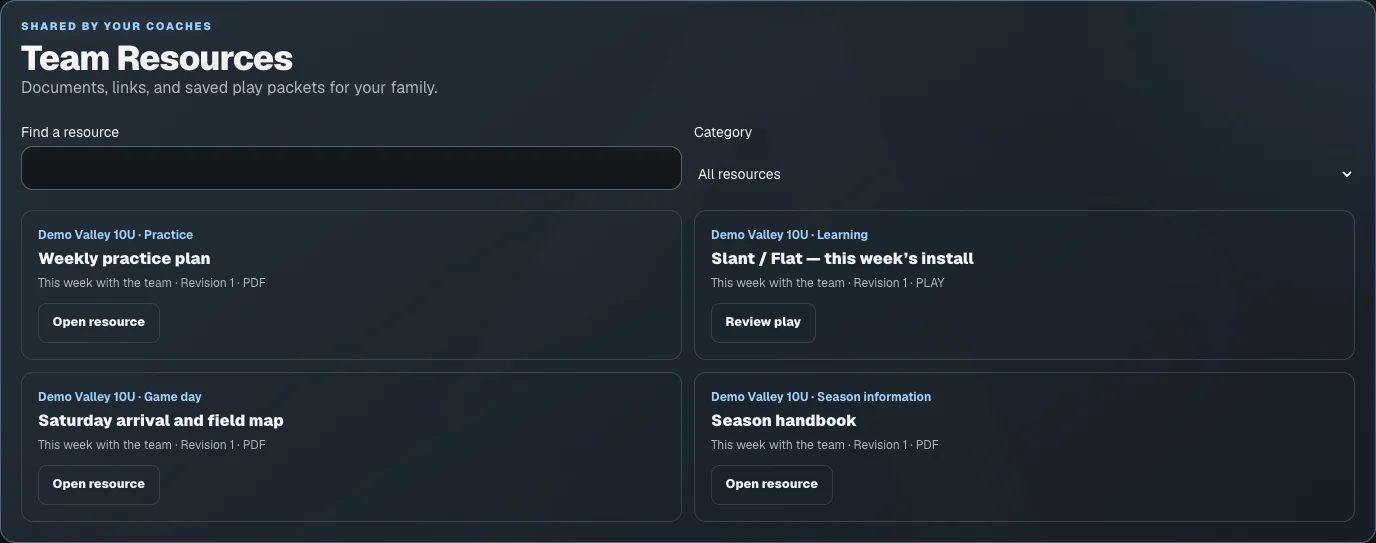
Once you accept the team’s guardian invitation, open Family Home for the events, resources, updates, and equipment connected to your athlete. Coaching staff decide what material to publish for families.
Read announcements and participate in the conversations available to your coaching or guardian role.
Keep a reply while moving between conversations, or retry a failed send without writing it again.
Use the invitation from your team to connect to the correct athlete. Family account setup does not start a coaching trial.
The seven-day trial includes play design, playbooks, and roster work. Printing and advanced team tools require an eligible paid plan. Your team also controls access to its tools. Images show sample coaching and family data.
Accept your coach’s invitation, then use your AthleticsArc account to see the team schedule, resources, and updates available to you.