
Attendance responses
Guardians connected to the same athlete share one attendance response for that athlete.
FootballArc
Coaches publish the event details and material they want families to receive. Connected parents and guardians find them in AthleticsArc Family Home, organized around their athlete. Family publishing is included with FootballArc Pro and Team.
In FootballArc: Locker Room → Calendar / Resources · Family Home
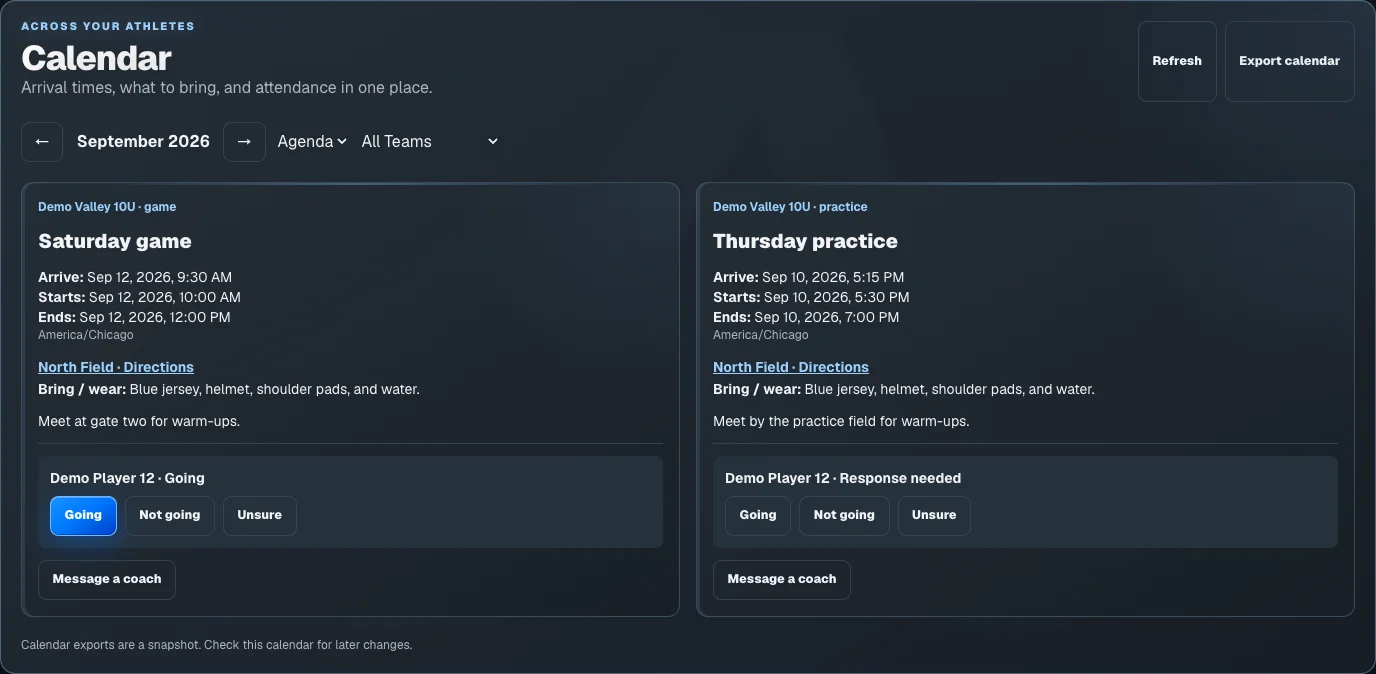
Include the start time, arrival instructions, location, and equipment players should bring. Guardians can respond for their athlete and export an event to their own calendar.
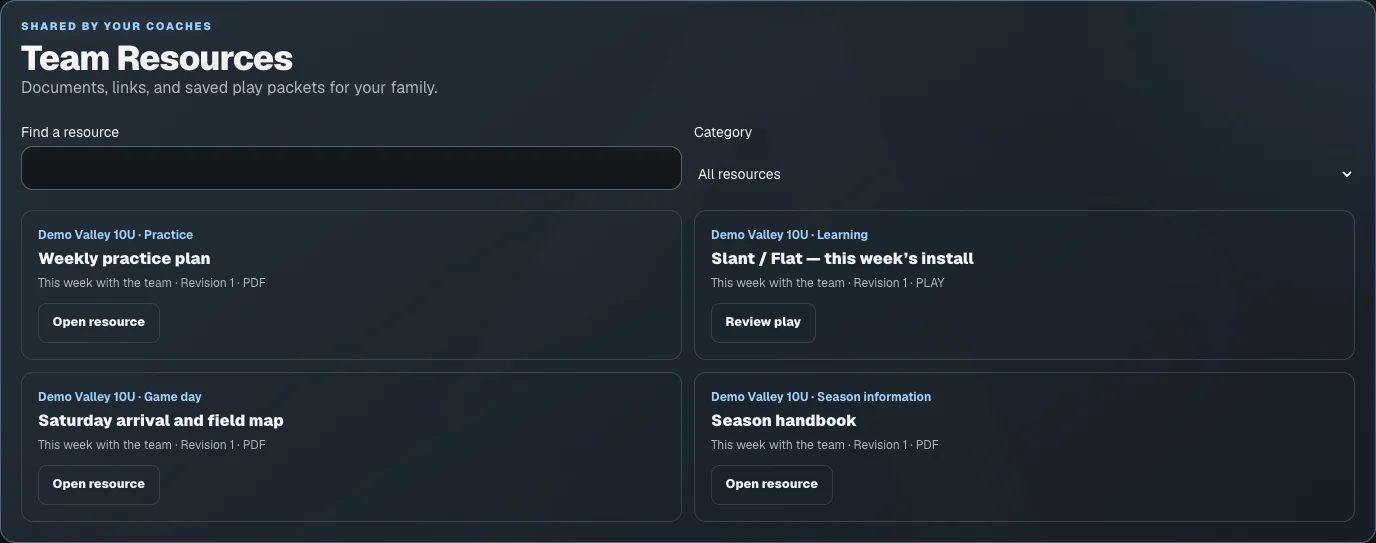
Publish PDFs, images, links, and saved plays with team updates. Families can search by title or use categories such as practice, game day, and learning to find the material again.
Guardians connected to the same athlete share one attendance response for that athlete.
Create an event from a saved practice schedule and publish revised family details when they change.
Share a read-only version of a play so families can review the assignment without editing the coach’s original.
The seven-day trial includes play design, playbooks, and roster work. Printing and advanced team tools require an eligible paid plan. Your team also controls access to its tools. Images show sample coaching and family data.
Accept your coach’s invitation, then use your AthleticsArc account to see the team schedule, resources, and updates available to you.