
Photos
Staff can add a photo of an issued item. Guardians can attach a photo when reporting a problem.
FootballArc
Record the equipment issued to each player, including its size, number, and issue date. Guardians can check those details and report a problem on the item. Staff can record the resolution and mark equipment returned.
In FootballArc: Personnel → Equipment · Family Home → My Equipment
Record an item’s size, equipment number, issue date, and an optional photo. Connected guardians see the items issued to their athlete and whether a reported problem has been resolved.
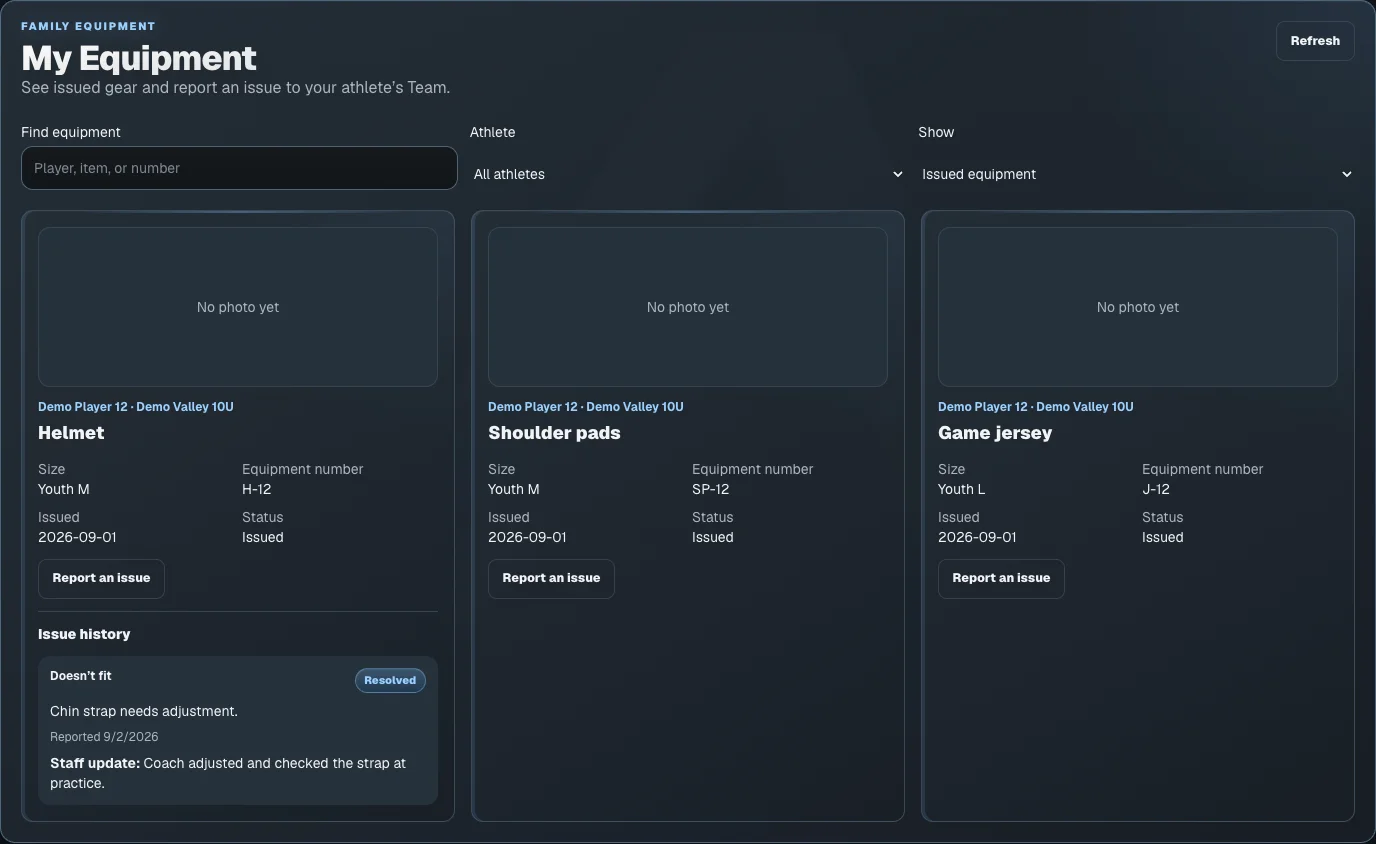
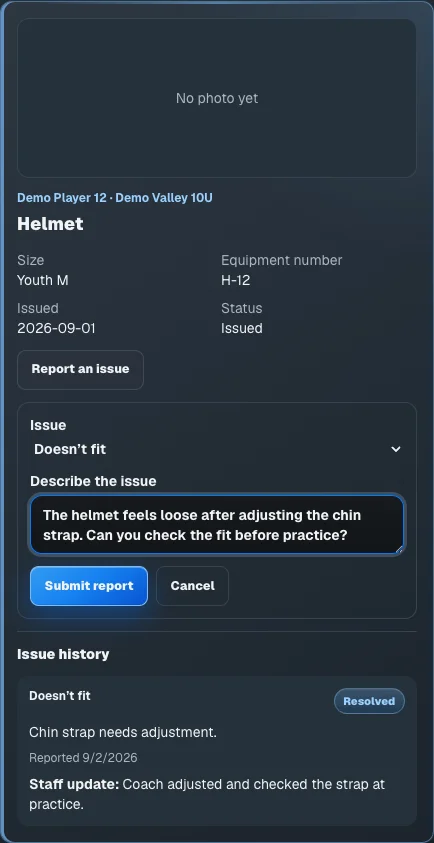
A guardian chooses the issue type and describes the problem with that item. Staff can review the report and record what was done, keeping the report and response with the equipment record.
Staff can add a photo of an issued item. Guardians can attach a photo when reporting a problem.
Review the guardian’s report and the staff’s recorded resolution on the same item.
Mark an item returned while retaining its record separately from equipment still issued to the player.
The seven-day trial includes play design, playbooks, and roster work. Printing and advanced team tools require an eligible paid plan. Your team also controls access to its tools. Images show sample coaching and family data.
Accept your coach’s invitation, then use your AthleticsArc account to see the team schedule, resources, and updates available to you.