
Playbook PDFs
Print selected diagrams and notes in a layout suited to the material you are teaching.
FootballArc
A playbook holds your formations and saved plays, organized by side of the ball and category. Select the plays for a practice or game and prepare a PDF in the Print Builder. Printing requires an eligible paid plan.
In FootballArc: Playbooks → Print Playbook
Switch between offense, defense, and special teams, or narrow the library to a formation or category. Open a saved play to review it, make an adjustment, or create a separate variation.
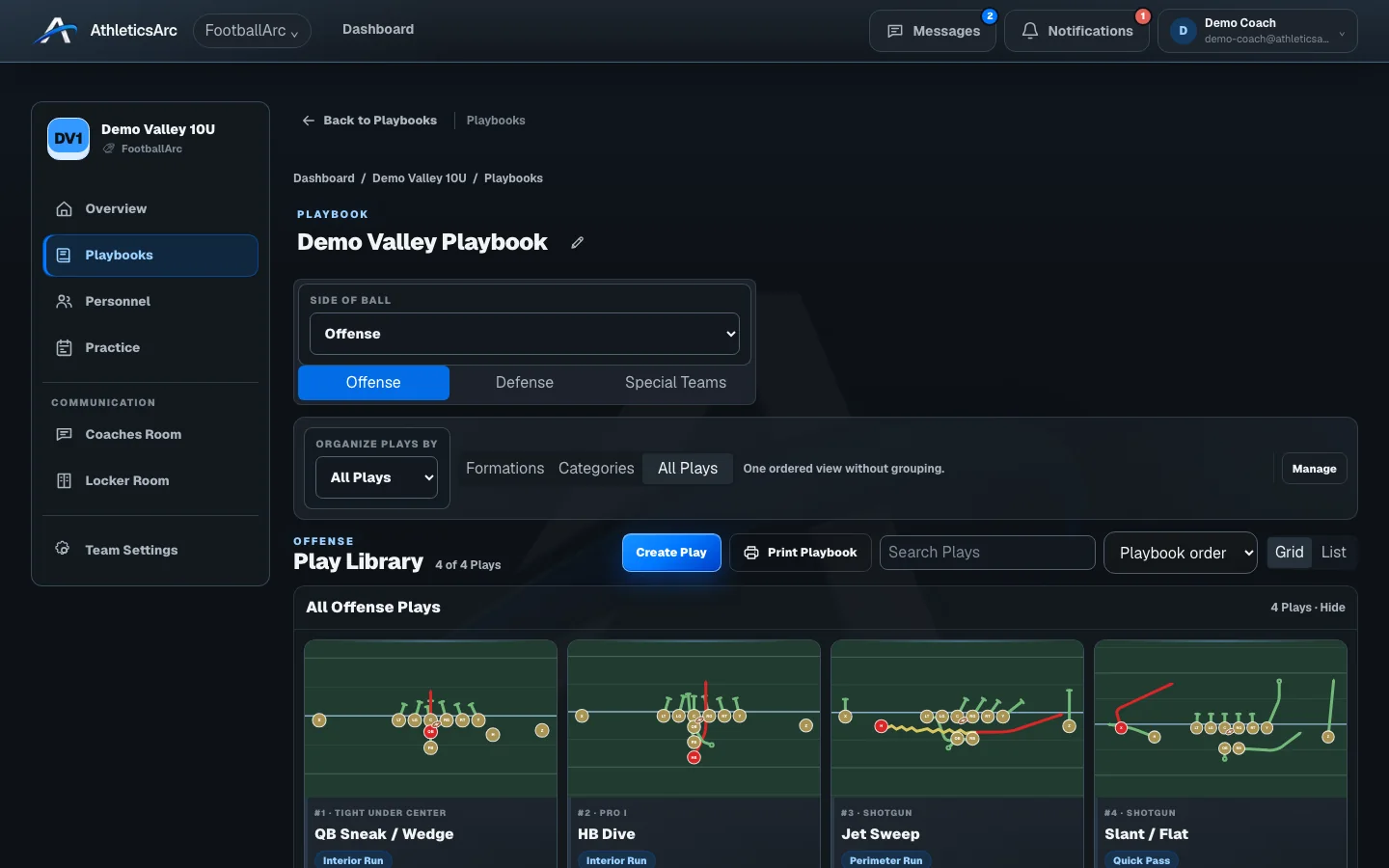
Choose the plays, their order, and a page layout. Preview the diagrams before generating the PDF, with options for a cover, teaching notes, and the number of plays per page. Printing your saved work is not included in the seven-day trial.
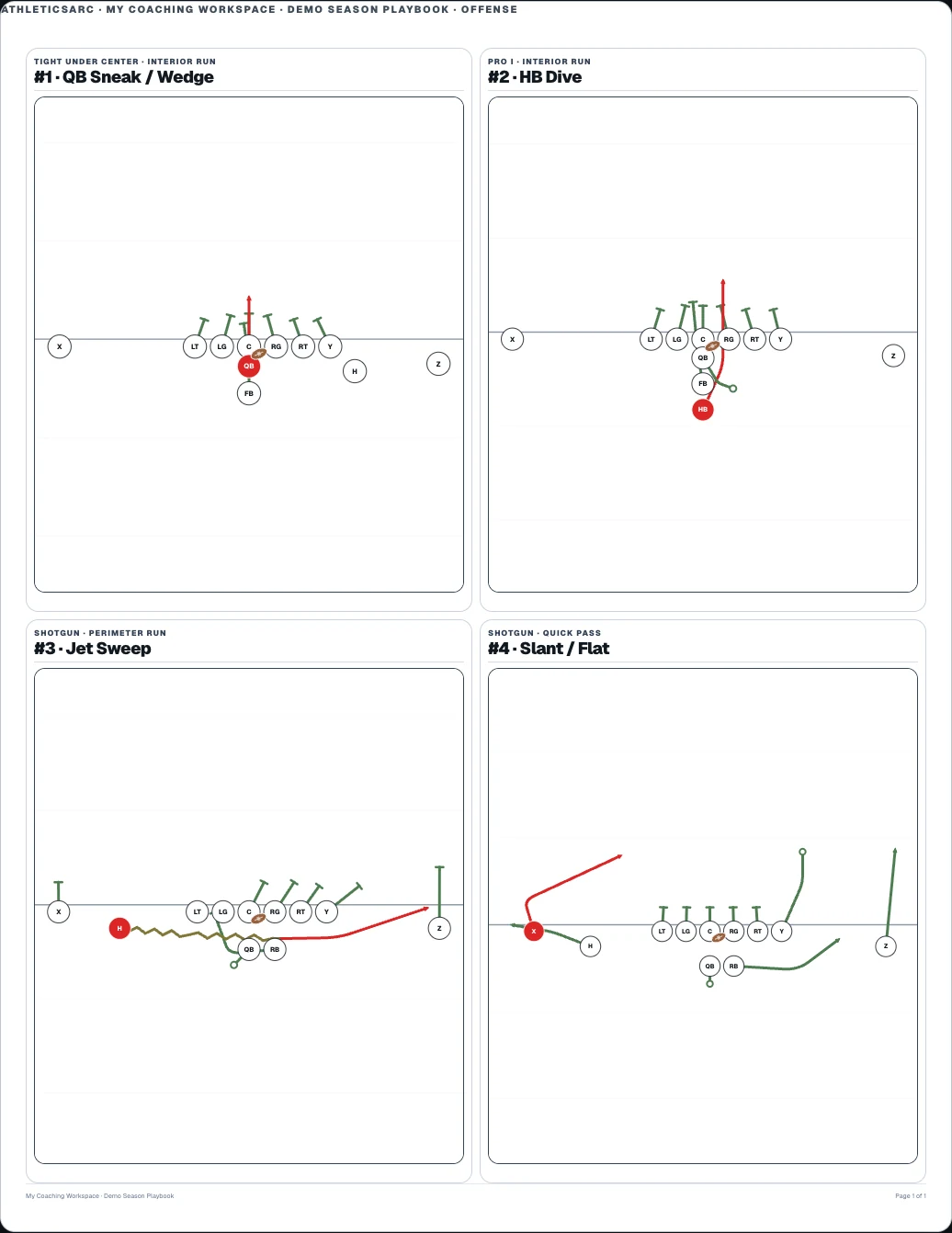
Print selected diagrams and notes in a layout suited to the material you are teaching.
Arrange numbered calls as a list or diagrams and choose an insert size for the generated PDF.
Group calls into situations such as openers, third down, and the red zone, using lists or diagrams.
The seven-day trial includes play design, playbooks, and roster work. Printing and advanced team tools require an eligible paid plan. Your team also controls access to its tools. Images show sample coaching and family data.
Open a sample play, change the assignments, and use playback. The public demo is free to explore and needs no account.